
Why Every Business Needs Multi-Factor Authentication
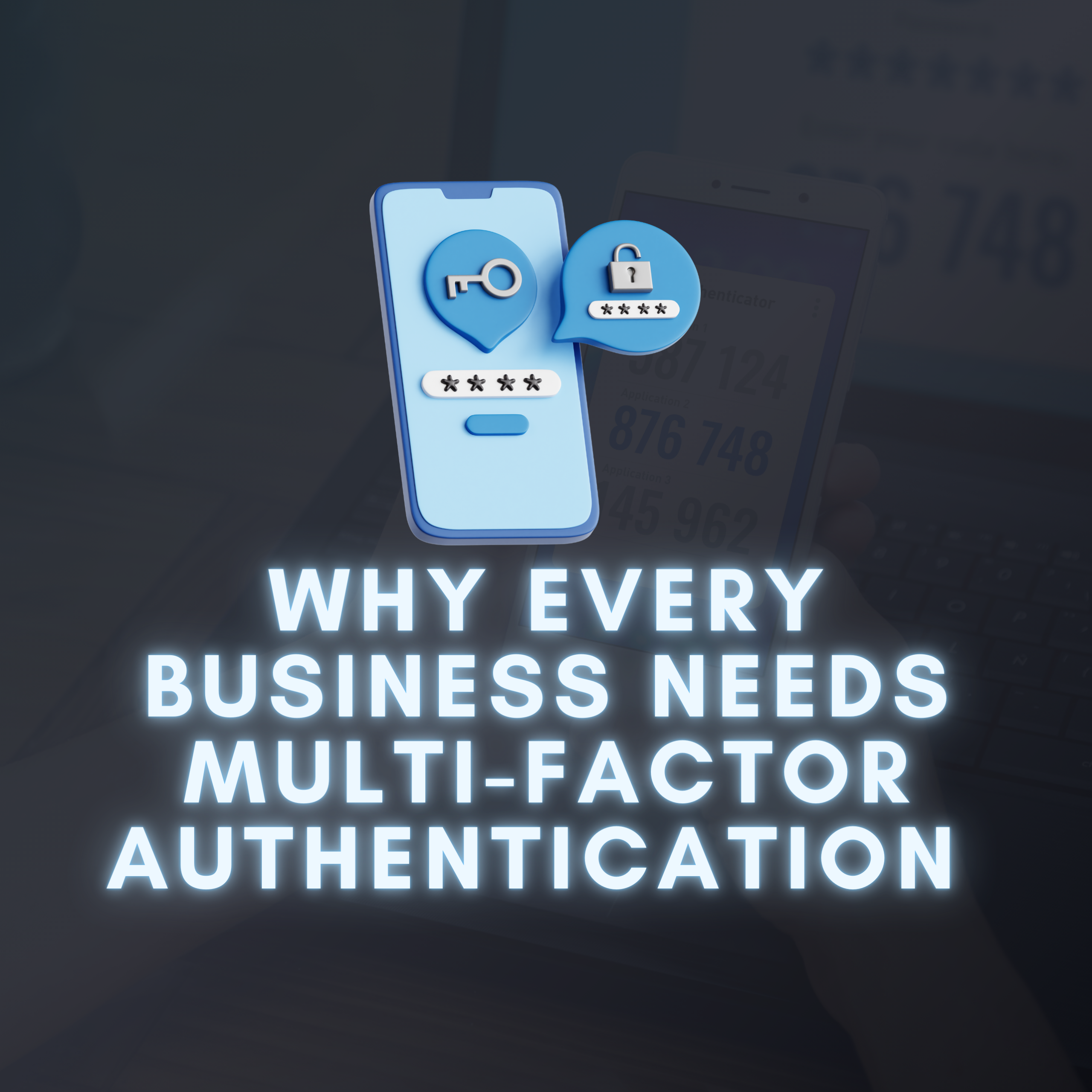
Multi-Factor Authentication adds an extra layer of security on top of your password by requiring users to provide more than one form of verification before they can access systems, apps, or data.
This usually includes two or more of the following:
- Something you know: a password or a PIN
- Something you have: a smartphone, hardware token, or authenticator app
- Something you are: biometric verification, like fingerprint or facial recognition
So even if someone guesses, steals, or buys your password on the dark web, they’ll still be blocked unless they also have your second authentication factor.
Why MFA Matters for Businesses
It’s easy to assume MFA is only necessary for banks or large tech companies. But in reality, cybercriminals are increasingly targeting small and mid-sized businesses – often because they’re seen as easy targets with limited cybersecurity resources.
Without MFA:
- A single compromised password can unlock your entire system – email, CRM, financials, client records, and more.
- Remote workers accessing company systems from personal devices or unsecured networks create additional vulnerabilities.
- Phishing emails tricking users into entering credentials become exponentially more dangerous.
With MFA:
- Stolen credentials alone aren’t enough to gain access.
- Risk of unauthorised access is dramatically reduced – even when employees click on malicious links.
- You’re better protected against account hijacking, ransomware attacks, and data breaches.
- You demonstrate to clients, partners, and regulators that your business takes security seriously.
In fact, Microsoft reports that MFA can block over 99.9% of account compromise attacks.
The Real-World Impact of Skipping MFA
Not all MFA methods are created equal. Here are a few of the most commonly used:
- SMS Codes: A code sent via text message. Better than nothing, but vulnerable to SIM-swapping attacks.
- Email Codes: Similar, but risky if the attacker already has access to your inbox.
- Authenticator Apps: Apps like Microsoft Authenticator or Google Authenticator generate time-based codes. Much safer.
- Push Notifications: A pop-up message sent to your phone requesting approval. Convenient and secure.
- Biometrics: Fingerprint or facial recognition. Secure and fast, but limited to certain devices.
For most businesses, a combination of password + authenticator app or password + push notification strikes the best balance between security and usability.
Getting Your Team Onboard
Rolling out MFA doesn’t need to be disruptive. Most modern systems – including Microsoft 365, Google Workspace, and cloud platforms like AWS – already support MFA by default. It’s just a matter of turning it on and training your team.
Here’s how to make the process smoother:
- Start with key accounts: Email, cloud storage, and finance software.
- Communicate the “why”: Emphasise that MFA protects not just the business, but individual staff members too.
- Provide support: Make it easy for employees to set it up with step-by-step guides or quick IT help.
- Use Single Sign-On (SSO) where possible to reduce login fatigue.
The Bottom Line
Passwords are no longer enough to keep your business safe. Multi-Factor Authentication is one of the simplest, most cost-effective and most effective defences against modern cyber threats, and every business, regardless of size, should be using it.
If you’re unsure how to get started or if your current systems support MFA, Binary Evolution can help. We’ll assess your current security posture, implement MFA across your business and make sure your team is set up for success.
Cybersecurity starts with access control. Let’s ensure only the right people can gain access.